3D Grill Wall Art Laser Cut: A Digital Guide
Transforming a blank wall into a focal point of your home or office often feels like a daunting task. You want something unique, modern, and personal, but mass-produced decor rarely hits that mark. This is where 3D Grill Wall Art Laser Cut designs come into play. These intricate patterns offer a sophisticated way to add depth and texture to any space without the high cost of custom fabrication. However, before you dive into your next creative project, it is crucial to understand exactly what you are purchasing. This is not a physical product shipped in a box; rather, it is a digital blueprint for your imagination.
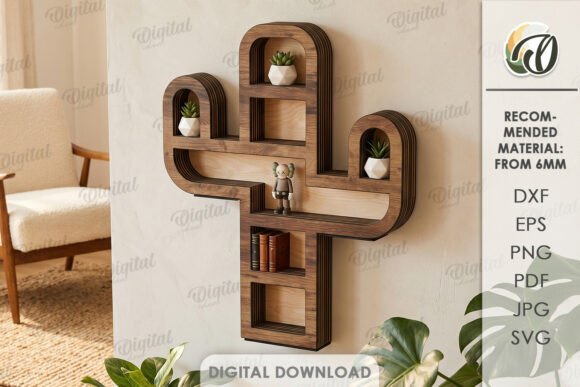
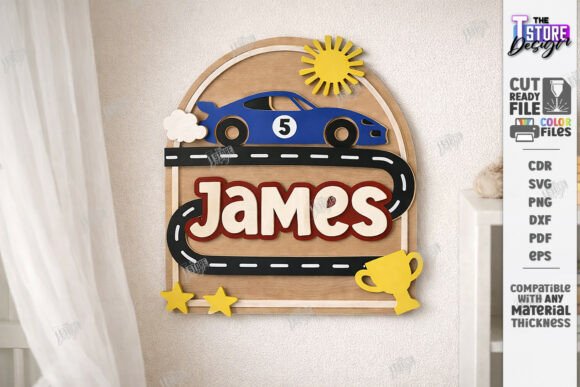
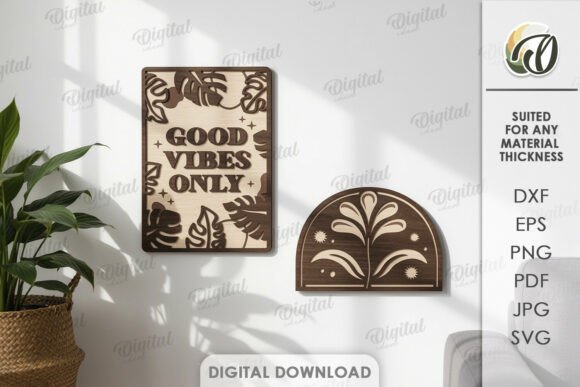
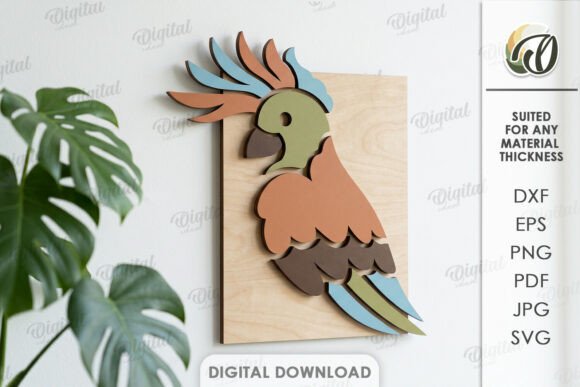
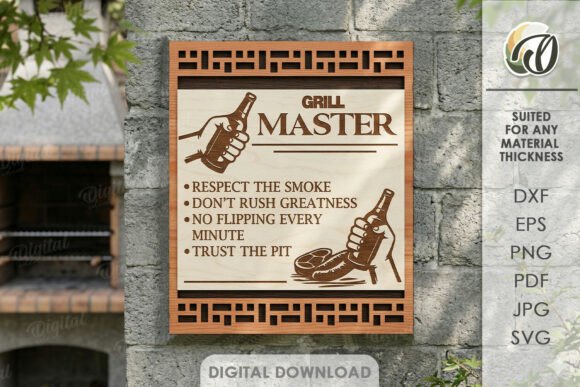
When you purchase this design, you are acquiring a versatile set of files ready for immediate use with your own equipment or a local cutting service. The photos you see in the store listing serve purely as inspiration, showcasing the potential of the pattern once cut from materials like wood, metal, acrylic, or MDF. Your actual purchase includes a zip folder containing one distinct design available in multiple industry-standard formats: SVG, DXF, EPS, PDF, JPEG, and PNG. This variety ensures compatibility with almost any software or machine you might own, from beginner-friendly Cricut machines to professional-grade laser cutters.
Understanding the Digital Nature of the Product
The most important aspect to grasp before buying is that this is a digital product. No physical goods will be sent to your address. Instead, upon completion of your transaction, you receive instant access to download the file package. This model empowers creators by giving them full control over the final outcome. You decide the material, the size, the color, and the finish. One person might cut the design from reclaimed oak for a rustic farmhouse look, while another might choose brushed aluminum for a sleek, industrial office aesthetic.
This flexibility is the core value proposition of 3D Grill Wall Art Laser Cut files. By providing the vector data, we allow you to scale the design up or down to fit your specific wall dimensions without losing quality. Whether you need a small accent piece for a bedroom or a massive statement installation for a lobby, the same digital file can adapt to your needs. The included formats cater to different workflows. For instance, SVG and DXF files are essential for vector-based cutting software, ensuring crisp edges and precise cuts. Meanwhile, the JPEG and PNG versions are perfect for visualizing the design on your walls using augmented reality apps or simply for sharing on social media before you begin production.
Ideal Applications for Home and Business
The possibilities for creation are truly endless when you have a high-quality template at your disposal. In a residential setting, these grill art pieces work beautifully as room dividers, headboard backdrops, or decorative accents above a sofa. They catch the light in interesting ways, creating dynamic shadows that change throughout the day. For homeowners looking to add character without clutter, a single, well-placed 3D grill panel can define a space more effectively than shelves filled with knick-knacks.
In professional environments, the appeal shifts slightly toward branding and atmosphere. Small business owners, freelancers, and entrepreneurs often seek decor that reflects their brand identity. A custom-cut logo or geometric pattern made from this design can transform a generic co-working space into a memorable client meeting area. Educators and school administrators can also utilize these files to create engaging bulletin board frames or interactive learning displays. Because the files are editable, you can even modify the pattern slightly to incorporate school colors or team logos, making the decoration uniquely yours.
Why Choose a Laser-Cut Design Template?
Choosing to create your own wall art offers several distinct advantages over buying pre-made items. First, there is the element of customization. Pre-fabricated art is limited to the sizes and materials the manufacturer chose. With a digital file, you are the manufacturer. You can source sustainable materials locally, experiment with different finishes, or combine multiple panels to create a larger mural. This level of control allows you to solve specific design problems, such as covering an awkwardly shaped wall or matching existing furniture tones perfectly.
Secondly, the cost-effectiveness is significant. While hiring a professional fabricator for a custom piece can be expensive, buying the digital file is a one-time investment. If you have access to a laser cutter or a vinyl cutter, the only additional costs are the raw materials. Even if you outsource the cutting to a local shop, providing them with a ready-to-use DXF or SVG file often reduces labor charges because they don't need to spend time designing the artwork. This makes high-end interior design accessible to hobbyists and budget-conscious decorators alike.
Technical Formats and Compatibility
To ensure a smooth experience, it helps to understand the file types included in your zip folder. The SVG (Scalable Vector Graphics) format is widely supported by consumer cutting machines like Cricut and Silhouette, making it ideal for beginners. The DXF (Drawing Exchange Format) is the standard for professional laser cutting software, ensuring maximum precision for complex details. EPS files are compatible with Adobe Illustrator and other professional design suites, allowing for further editing if you wish to tweak the pattern. Finally, the raster images like JPEG and PNG provide a quick visual reference, while the PDF serves as a universal document that can be opened on any device for review.
Having all these formats in one package means you don't need to worry about conversion errors or compatibility issues. Whether you are using free open-source software or expensive industry tools, the 3D Grill Wall Art Laser Cut design is ready to go. This comprehensive approach removes technical barriers, allowing you to focus on the creative process and the final installation.
Important Considerations Before You Start
While the creative potential is vast, there are practical steps to consider before beginning your project. First, measure your intended space carefully. Remember that the digital file is scalable, but the physical limitations of your chosen material and cutting machine may apply. For example, large sheets of metal might require a specific type of laser cutter that you do not have at home. In such cases, finding a local fabrication shop that accepts DXF or SVG files is a smart move.
Material selection is equally critical. Different woods burn differently under a laser, and metals require specific settings to avoid warping. If you are new to laser cutting, start with a small sample piece to test your settings before committing to a large wall panel. Safety is also paramount; always follow the safety guidelines for your equipment and ensure proper ventilation when working with plastics or treated woods.
If you have any questions about the file formats, scaling instructions, or how to get started with your first cut, please write me a message. I am here to help ensure you have a successful experience with your new design. Thank you for visiting my store and considering this great solution for creating an original design for your home or office. Happy shopping!